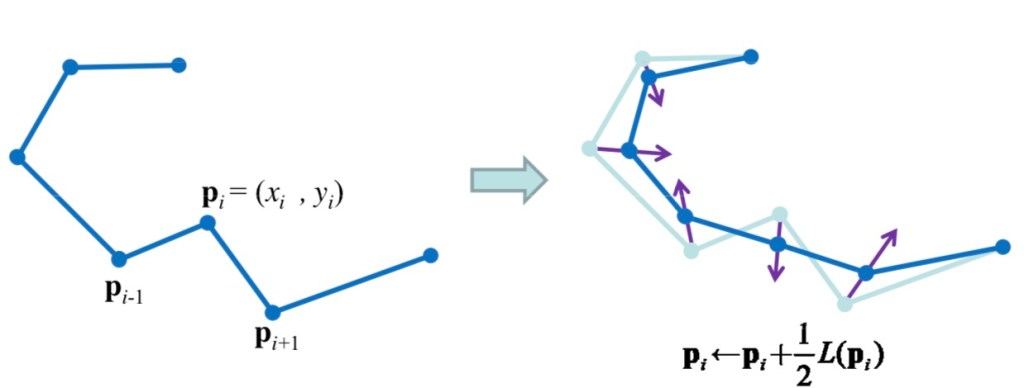
Smooth mesh with Laplacian filter

Mesh Smoothing – Graphics (Standford.edu – link)

Laplacian smoothing moves each vertex of a mesh in relation to its adjacent neighbours. This filter calculates the mean vector by adding the neighbouring vertices’ coordinates and dividing that by the number of neighbours.

...
for (int vertexIndex=0; vertexIndex< meshVertices.Length; vertexIndex++)
	{
		// Find the meshVertices neighboring vertices
		adjacentVertices = MeshUtils.findAdjacentNeighbors (meshVertices, t, meshVertices[vertexIndex]);
 
		if (adjacentVertices.Count != 0)
		{
			dx = 0.0f;
			dy = 0.0f;
			dz = 0.0f;

			// Add the vertices and divertexIndexde by the number of vertices
			for (int j=0; j<adjacentVertices.Count; j++)
				{
					dx += adjacentVertices[j].x;
					dy += adjacentVertices[j].y;
					dz += adjacentVertices[j].z;
				}
 
			wv[vertexIndex].x = dx / adjacentVertices.Count;
			wv[vertexIndex].y = dy / adjacentVertices.Count;
			wv[vertexIndex].z = dz / adjacentVertices.Count;
		}
	}
 
	return wv;
...

Code example from here: Mesh Smoother (Unity 3D)
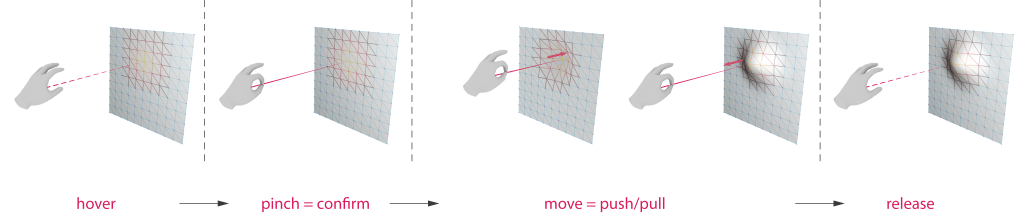
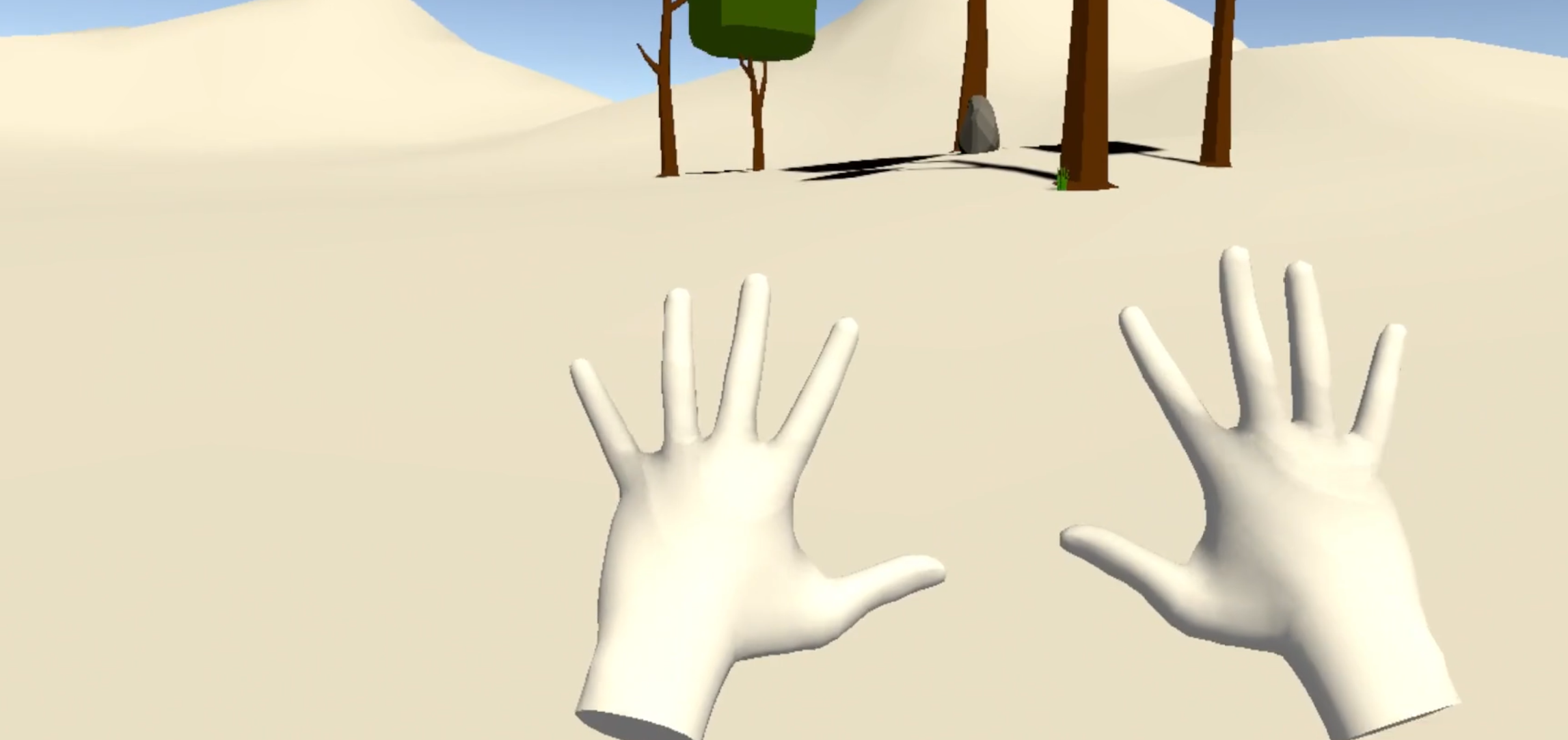
Mixed Reality – Hand inputs for mesh manipulation #2

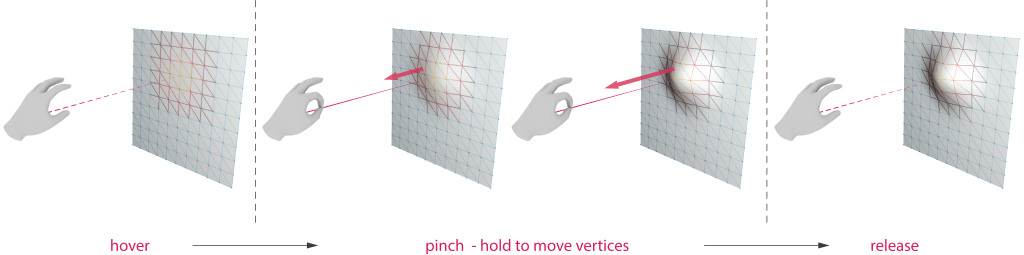
Recognition of the pinch gesture for a more interactive and intuitive mesh manipulation. The pinch gesture confirms the start of the deformation, and the vertices will respond by how to further/close is the user’s hand to the mesh.

The push/pull deformation is realised by measuring, at each frame, the distance of the hand to the mesh and The push/pull deformation is realised by measuring, at each frame, the distance of the hand to the mesh and comparing it to the previous frame. This operation is achieved by using Unity RaycastHit functions.

if (hit.distance < distance)
        {
            VetexDisplacementByDistance("push");

        }
        else if (hit.distance > distance)
        {
            VetexDisplacementByDistance("pull");

        }

....

public void VetexDisplacementByDistance(string command)
    {
        ...

        foreach (var item in vertexDistancesDict.OrderBy(pair => pair.Value).Take(vertexNeighbours))
        {
            HandJointUtils.TryGetJointPose(TrackedHandJoint.Palm, Handedness.Any, out MixedRealityPose palmPose);

            if (command == "push")
                displacementDirection = ray.direction.normalized * -1;
            else if (command == "pull")
                displacementDirection = ray.direction.normalized;
        }
    }

Cognition and Representation

Chapter 2 : Experiencing the World

  • Experiential cognition is subconscious. It is something we learn and practice.
  • In experiential cognition, the response is immediate and doesn’t require the analysis of an event (reflective cognition)

Chapter 4: Fitting the Artefact to the Person

  • Surface and Internal artefacts
  • Surface artefacts: what is seen is what exists
  • Internal artefact: invisible to the users
  • Internal artefactes needs interfaces to transform internal operation to representations readable for the user
  • Surface representation must be understood by humans. Internal ones do not.
  • Digital vs. Analog representations: the task determines the most suitable representation

Knowledge and information are invisible. They have no natural form. It is up to the conveyer of the information and knowledge to provide shape, substance, and organization

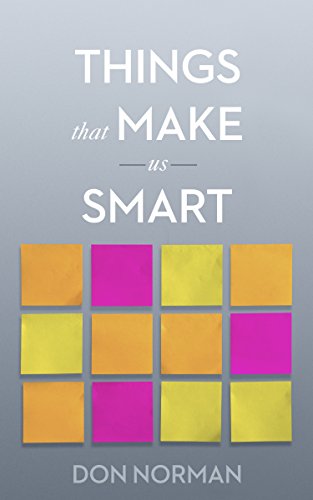
Norman. Things That Make Us Smart : Defending Human Attributes in the Age of the Machine, Diversion Books, 2014

Taking the computer ‘out of the box’

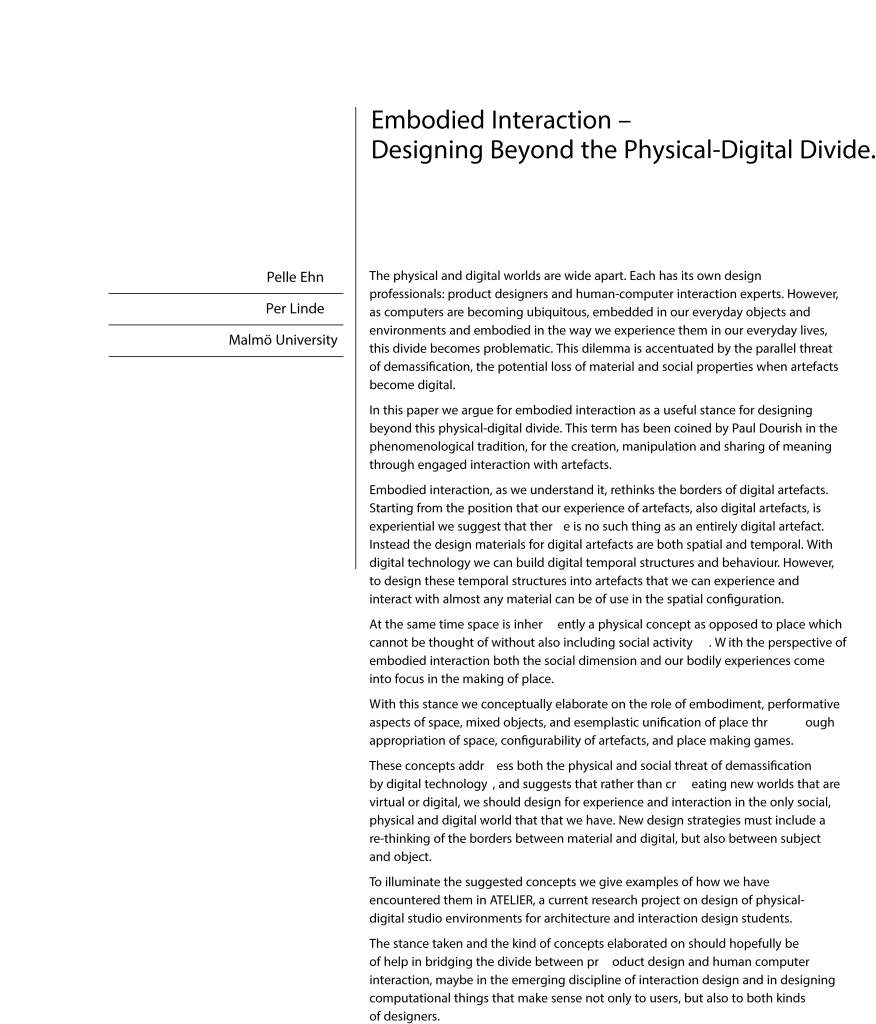
‘[…]there’s more to users than being information processing systems. The relation between information and knowledge is one example of how meaning is not inherent in information, but made meaningful trough direct participation in the world.’

Ehn and Linde (2004)
  • Designing beyond the physical-digital divide
  • Embodiement and embodied interactions
  • ‘place’ reflects the emergence of practice as shared experience of people in space and over time